What availability signals help members choose desks and meeting rooms quickly?
Clear, real-time signals let members book the right space without back and forth.
The key signal is a live open-or-taken status so members see at a glance what is free right now. Rooms benefit from a slot-by-slot view showing when they open, location and feature cues like capacity or a screen prevent mismatches, and one clear booking action turns a glance into a reservation.
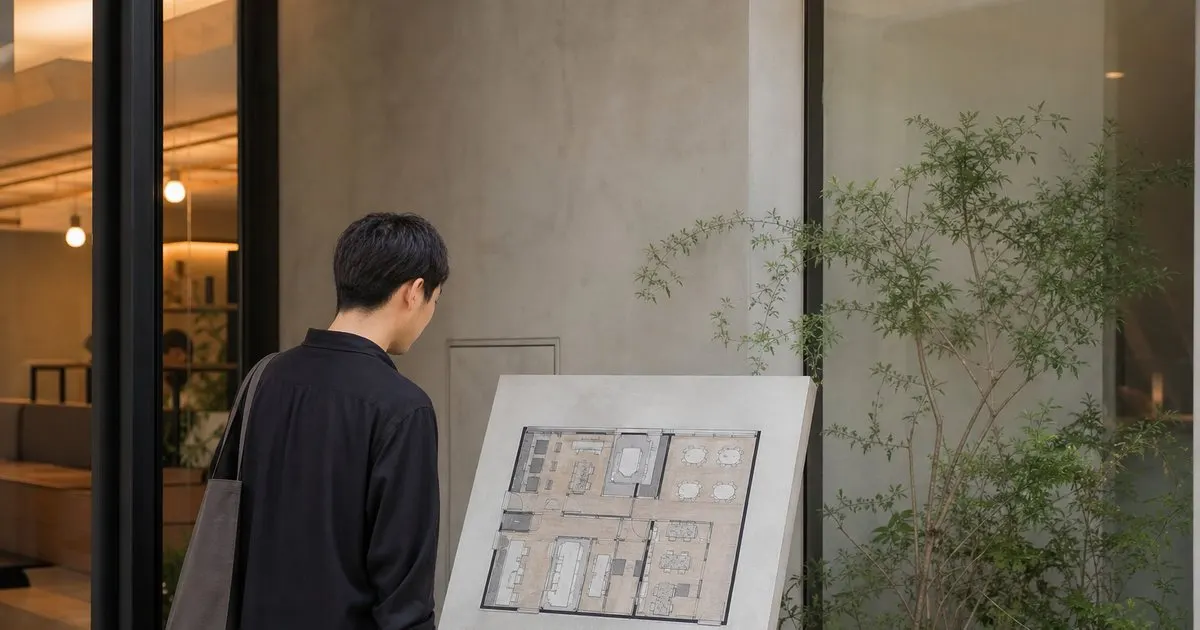
Real-time open or taken status
The most important signal is a live view of what is free right now. Members should see at a glance which desks and rooms are open and which are booked. Related: What booking rules help coworking spaces balance desks across busy members?
Real-time status prevents wasted effort. Nobody wants to walk to a desk only to find it taken, or request a room that is already reserved.
Keep reading: How do coworking spaces manage desk and meeting room bookings without conflicts?, What booking rules help coworking spaces balance desks across busy members?, Why do meeting room credits help coworking spaces manage limited shared space?. See how CoWorkDeskr helps you coworking desk and meeting room booking.
Time-slot views for rooms
For meeting rooms, a slot-by-slot view of the day helps members find an open window fast. They see not just whether a room is free but when. Related: How do coworking spaces manage desk and meeting room bookings without conflicts?
This detail speeds decisions. A member can pick the exact hour that works rather than guessing and checking repeatedly.
Location and feature cues
Showing where a desk sits and what a room offers, such as a screen or capacity, helps members choose the right fit immediately. Related: How should coworking operators handle check-ins for members booking hot desks?
These cues reduce mismatches. A member booking a call finds a quiet spot, and a team finds a room that seats everyone.
Clear next steps
Once a member finds an open space, booking it should be one obvious action. A clear path from signal to reservation keeps the process quick. Related: When should a coworking space limit how far ahead members can book?
Fast, frictionless booking is the payoff of good availability signals. It turns a glance into a confirmed reservation in seconds.
- Show live open-or-taken status
- Give rooms a time-slot view
- Include location and feature cues
- Make booking one clear action

Julien Jimenez
Julien Jimenez is an independent software builder based in Paris. He designs, ships, and operates focused SaaS products for small businesses and independent professionals. Read the full author page.
Frequently asked questions
Why do meeting rooms need a time-slot view?
A slot-by-slot view shows not just whether a room is free but when. Members can pick the exact hour that works rather than guessing and checking repeatedly.
How do feature cues speed up booking?
Showing capacity, location, and equipment like a screen helps members pick the right fit immediately. A caller finds a quiet spot and a team finds a room that seats everyone, avoiding mismatches.
Desks and rooms booked with ease
Coworking desk and meeting room booking. CoWorkDeskr is built to help you put this into practice.
Start freeMore from the CoWorkDeskr blog

How do coworking spaces manage desk and meeting room bookings without conflicts?

What booking rules help coworking spaces balance desks across busy members?

Why do meeting room credits help coworking spaces manage limited shared space?
Get the CoWorkDeskr playbook
Practical guides on coworking space booking, straight to your inbox as we publish them. No spam, unsubscribe any time.